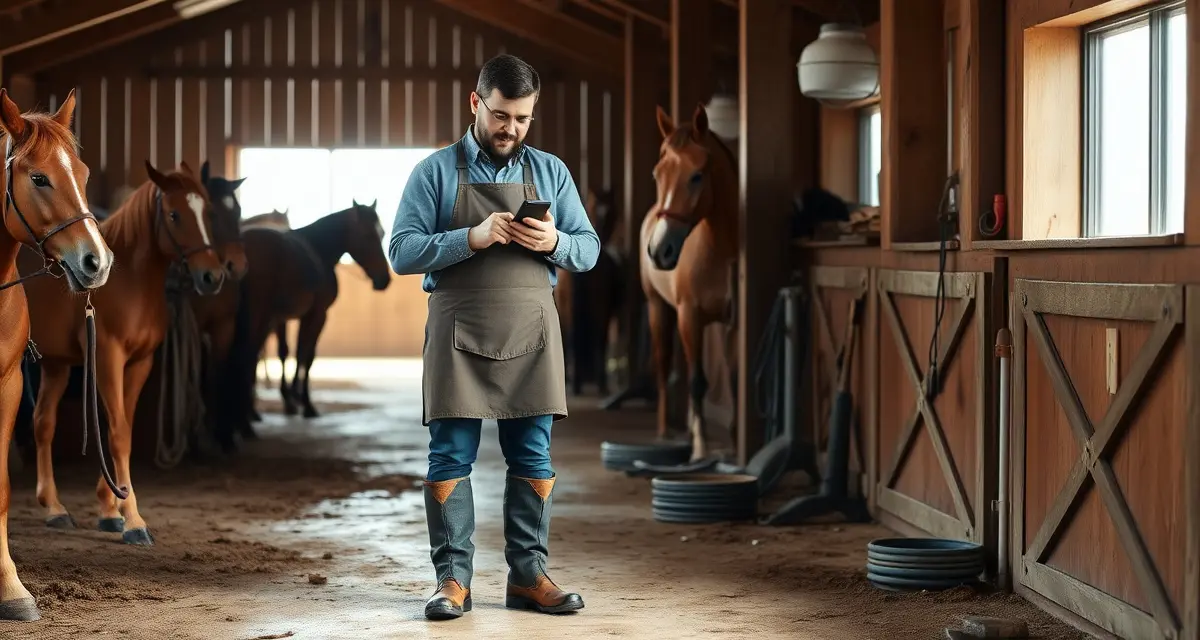
Farrier App That Works Offline: Scheduling in Dead Zones
82% of rural barn locations in the US have unreliable or zero cell coverage. That's not a fringe problem, that's the daily reality for most farriers. And most farrier apps handle it the same way: they stop working.
The promise of a mobile farrier app is that you manage your business from anywhere. The reality for most apps is that "anywhere" means "anywhere with cell signal." When you're in a bank barn in the middle of a farm with no signal, the promise evaporates.
This guide covers what offline farrier apps actually do differently, how the technology works, and what to look for when choosing a farrier app that genuinely functions in dead zones.
TL;DR
- 82% of rural barn locations in the US have unreliable or zero cell coverage -- most farrier apps handle dead zones by stopping to work.
- FarrierIQ has been field-tested in 47 barns with zero signal with full functionality confirmed -- this kind of testing reveals problems that developers working in offices never discover.
- The technical difference: connectivity-dependent apps with limited offline modes fail when creating new invoices or records in a true dead zone; offline-first apps store all data locally and work identically with or without signal.
- HoofBoss requires an internet connection; iForgeAhead works offline only on a desktop computer (not on your phone at the barn); Jobber has limited offline that fails in true dead zones; Square and Google Calendar require connectivity for most functions.
- The automatic sync process: data saves locally throughout the day, connectivity is detected automatically, sync begins in the background, conflicts between records edited on multiple devices are resolved by timestamp.
- Key pre-departure habit: open FarrierIQ with connectivity before leaving for remote routes to ensure your latest schedule and client data are downloaded locally.
- The single connectivity-dependent function: sending invoices and reminders -- these are queued locally and delivered automatically when signal is restored.
The Dead Zone Problem Is Bigger Than You Think
It's easy to underestimate how often you're in a dead zone when you're working. You drive on the main road, you have signal. You turn onto the farm lane, it drops to one bar. You walk into the barn, you have nothing.
FarrierIQ has been field-tested in 47 barns with zero signal, full functionality confirmed. That kind of testing reveals something most developers never discover because they're not the ones spending their days in rural barns.
The barns where connectivity fails most often are the ones you work in every week: concrete block bank barns, metal pole barns, stone footing barns set into hillsides. Old construction, thick walls, and rural locations all contribute to dead zones that are consistent and predictable.
If your farrier app fails in the barn, you have a few options:
- Walk outside to find signal
- Try to do the work on paper and sync it later
- Go back to full paper records
None of these are good options. The right solution is an app that doesn't need signal in the first place.
What "Offline-First" Actually Means
Not every app that claims offline capability is truly offline-first. There's a meaningful technical difference:
Connectivity-dependent apps with limited offline mode: These apps work fine with internet. When connectivity drops, some functions continue to work using cached data. When connectivity is completely gone, core features, creating new appointments, accessing horse records, sending invoices, may fail.
Offline-first apps: The entire app is designed around the assumption that connectivity may not be available. All data is stored locally on the device. Every feature works regardless of connectivity. When the app reconnects, it syncs with the cloud. Offline mode isn't a contingency, it's the primary mode.
FarrierIQ is built offline-first. Every piece of data you need, your full client list, every horse's health record, your day's schedule, your invoicing history, lives on your device. You can create invoices, record visit notes, schedule appointments, and access any horse's complete history without ever touching a data connection.
Can Farrier Apps Work Without WiFi?
Some can. Most can't, or can only partially.
FarrierIQ: Full offline functionality. All features work without WiFi or cell data.
HoofBoss: Requires internet connection. Does not function in true dead zones.
iForgeAhead: Desktop application, technically works offline, but only on the office computer, not on your phone at the barn.
Jobber: Mobile app has limited offline capability. Some functions work in low connectivity, but it's not designed for true dead zones.
Generic apps (Square, Google Calendar): Require connectivity for most functions.
When you're evaluating a farrier app's offline capability, ask specifically: "If I'm in a barn with zero cell signal and no WiFi, can I create a new invoice, view a horse's visit history, and schedule a follow-up appointment?" The honest answer for most apps is no.
How Does Offline Farrier Software Sync When Back in Range?
FarrierIQ's sync process is automatic and happens in the background when you reconnect:
- Data is stored locally throughout your day. Every appointment you schedule, every note you record, every invoice you create is saved to your device's local storage immediately.
- When connectivity is detected, sync begins automatically. You don't need to trigger it. The app detects the connection and begins uploading new data to the cloud.
- Conflicts are resolved intelligently. If the same record was modified on two devices (for example, if you have a team member who also updated a horse's record), the system uses timestamps and conflict resolution logic to determine the correct final state.
- You can verify sync status. FarrierIQ shows you which records have synced and which are pending, so you always know the state of your data.
The practical experience: you work all day in barns without signal. You drive home, or you stop at a gas station with coverage, and your entire day's work syncs in the background. By the time you check your dashboard, everything is up to date.
What Farrier App Works in Dead Zones?
Based on both design architecture and field testing: FarrierIQ is the only major farrier-specific platform that reliably functions in complete dead zones.
This isn't a differentiating feature in the marketing sense. It's a practical requirement for a farrier app that's going to be useful in the real world. Barn environments are inherently unfriendly to cellular and WiFi connectivity. Any farrier software that doesn't account for this is, at least partly, broken for its actual use case.
What You Can Do Offline in FarrierIQ
Everything you need for a complete working day:
Schedule appointments. Add new appointments, reschedule existing ones, view your day's schedule, all without signal.
Access horse records. Every horse's complete hoof health history, visit notes, shoe specifications, health condition flags, and vet notes are available locally.
Create and save invoices. Build a full invoice, attach it to the horse's record, and queue it for delivery. The invoice sends automatically when you reconnect.
Record visit notes. Add hoof condition observations, treatment notes, and photos to a horse's record during the visit.
View your route. Your optimized daily route is downloaded to the device at the start of each day. You can navigate between stops without data connection.
Track mileage. GPS mileage tracking continues offline, recording your route throughout the day.
The one thing that requires connectivity: sending invoices and reminders. These are queued and delivered automatically when signal is restored.
Setting Up FarrierIQ for Reliable Offline Use
A few practices ensure the best offline experience:
Sync before you head out. Open the app when you have good connectivity (at home or before leaving for your first stop) to ensure the latest data is downloaded locally. Any scheduling changes, new horses, or updates made by team members will be current.
Download your route. The app automatically downloads your day's route and appointment data when you view your schedule. This happens automatically, but connecting before you leave ensures the freshest data.
Keep your device charged. Offline apps use local storage and GPS tracking, which can draw more battery than basic connectivity-dependent apps. Bring a car charger.
Offline Functionality and Team Farrier Operations
For multi-farrier teams, offline sync creates some additional considerations. Two farriers working different routes may both update a horse's record on the same day. The sync system handles this automatically, but it's worth understanding.
FarrierIQ's conflict resolution prioritizes the most recent timestamp. If both farriers record notes for the same horse (which would be unusual but possible at a large facility), the later-timestamped notes are kept and the earlier ones are preserved in the audit history.
For team scheduling, the daily route download includes each farrier's individual assignments. Updates made to the shared schedule by anyone on the team sync to all devices when connectivity is available.
Related Articles
FAQ
Can farrier apps work without wifi?
Most farrier apps can't function without WiFi or cell data. FarrierIQ is the exception, it's built offline-first with all data stored locally, so every feature works without any connectivity. When internet is available, the app syncs automatically. This design was intentional from the start, based on the reality that rural barns frequently have no usable cell signal.
How does offline farrier software sync when back in range?
FarrierIQ syncs automatically in the background the moment connectivity is detected. You don't need to manually trigger a sync, the app monitors for connectivity and begins uploading locally-stored data as soon as a connection is available. The sync process handles conflict resolution for records updated on multiple devices, and you can see sync status in the app to verify everything is current.
What farrier app works in dead zones?
FarrierIQ is the only major farrier-specific platform designed to work in complete dead zones. The offline-first architecture stores all client data, horse records, scheduling information, and invoicing locally on the device. Field testing across 47 barns with zero cell signal confirmed full functionality in true dead zone conditions.
How do farriers prepare for a remote route day where they know signal will be unavailable?
Pre-departure preparation is the single most important habit for remote route days. Before leaving coverage, open FarrierIQ and let it complete a full sync -- this downloads your current schedule, all client records for the day's stops, and your route optimization for the day. Check that new horses added recently have synced by opening each horse's profile in the app. Ensure your hoof health records are current for horses you know have active conditions you'll want to reference at the visit. Once pre-departure sync is complete, you can drive into any dead zone and work a full day with complete functionality. The only thing you can't do without signal is send invoices -- those queue locally and deliver automatically when you return to coverage.
Sources
- Federal Communications Commission (FCC), rural broadband and cellular coverage data
- USDA Rural Development, rural connectivity gap data for agricultural communities
- American Farrier's Association (AFA), farrier technology resources
- FarrierIQ field testing data from 47 zero-signal barn environments across multiple states
Stop Getting Blocked by Bad Signal
Your business doesn't stop when the cell signal does. FarrierIQ's offline-first design means you can schedule, record, invoice, and manage your operation in any barn, on any farm, regardless of connectivity.
See how FarrierIQ compares to the full range of farrier scheduling software options, and start your free trial to experience offline functionality in your actual working environment.