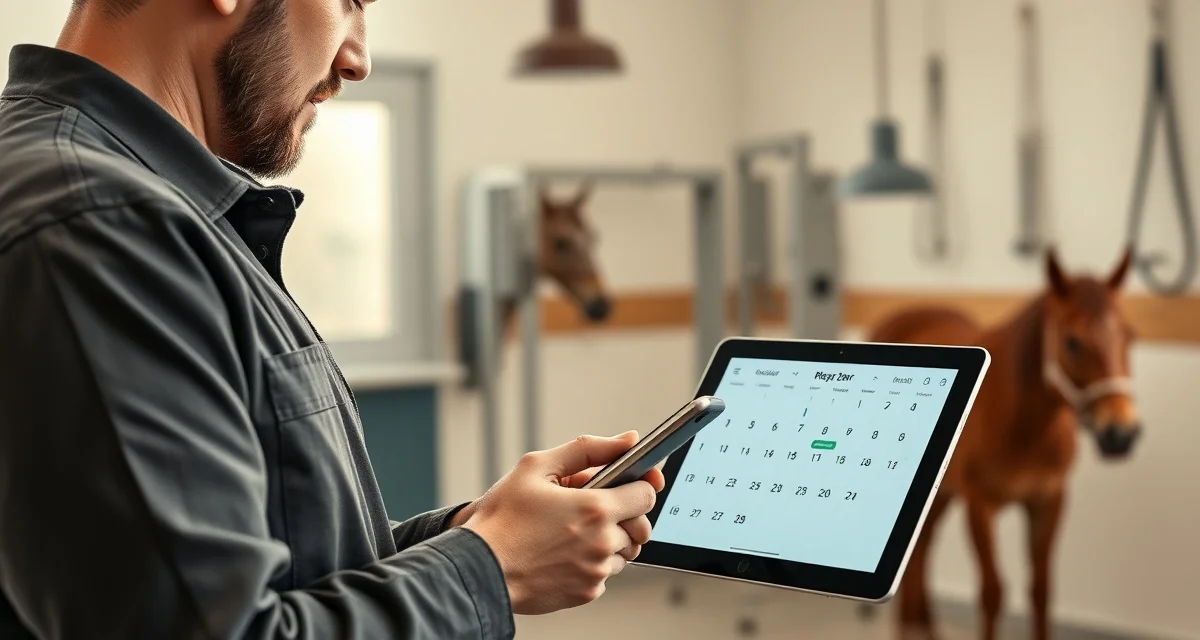
Farrier Client Reminder Generator: Automate Appointment Texts and Emails
Automated reminders cut no-show rates by 34% for service businesses. For a farrier with a full book, a no-show isn't just annoying -- it's a 45-minute drive to an empty barn and a hole in your day you can't fill on short notice.
The average farrier with 150 horses makes 15-25 reminder calls a week during busy season. That's 1.5-3 hours on the phone confirming appointments -- time you could be doing actual work.
TL;DR
- Automated reminders cut no-show rates by 34% for service businesses -- for a farrier, a single prevented no-show at $150+ average ticket pays for weeks of subscription cost.
- The average farrier with 150 horses makes 15-25 reminder calls per week during busy season = 1.5-3 hours per week on the phone confirming appointments that a system can handle automatically.
- The most common prep-failure no-show isn't a forgotten appointment -- it's a horse not caught, not in the barn, or turned out in the back pasture; a reminder with prep instructions ("please have horses in by 8am") addresses this directly.
- FarrierIQ generates reminder content automatically from appointment and horse records -- horse name, date, service type, location, and prep instructions -- no individual message writing required.
- The 48-hour window is the standard sweet spot: far enough ahead for the owner to make arrangements, close enough that the appointment is fresh when the day arrives.
- Automated reminders also change how clients perceive the business -- the same effect a dentist reminder produces -- signaling an organized, professional operation rather than a farrier trying to keep everything in their head.
How Farrier Client Reminders Work in FarrierIQ
FarrierIQ's horse owner portal handles reminders automatically. When an appointment is scheduled in the app, a reminder goes to the horse owner via text or email on your preferred timeline -- typically 48-72 hours before the visit. No call from you. No manual follow-up.
The owner can confirm directly through the portal. You see the confirmation in your app. If they need to reschedule, they message through the portal and you get a notification.
What the Reminder Includes
A well-designed farrier reminder includes:
- Horse name(s) and appointment date/time
- Location (farm name or address)
- Service type (trim, new shoes, reset, etc.)
- Any prep instructions ("please have horse in the barn and picked out")
- Your contact info for changes
FarrierIQ auto-generates all of this from your appointment and horse records. You don't write individual reminders.
Setting Up Automated Reminders
Step 1: Add Your Clients and Horses to FarrierIQ
Every client and horse needs to be in the app with current contact information. Phone number or email for the owner, horse name, location.
Step 2: Schedule Appointments in the App
When you book an appointment in FarrierIQ, set the date, time, and horses for that visit. The reminder system pulls from this automatically.
Step 3: Set Your Reminder Timing
Choose how far in advance reminders go out. Most farriers use 48 hours -- far enough ahead for the owner to make arrangements, close enough that the appointment is fresh in their mind.
Step 4: Activate the Owner Portal for Each Client
Horse owners access reminders and confirmations through the FarrierIQ client portal. It's a web-based view of their horses' upcoming appointments and shoeing history. Once they're activated, reminders go directly to them.
3 Key Points
1. Reminders Also Reduce Prep-Failure No-Shows
The most common reason a barn visit goes wrong isn't that the owner forgot you were coming -- it's that the horse isn't caught, isn't in the barn, or is turned out in the back pasture. A reminder that includes prep instructions ("please have horses in by 8am") dramatically reduces wasted setup time.
2. You Still Control the Schedule
Automated reminders don't mean losing control of your calendar. You still set the appointment dates and times. The reminder system just handles the outgoing communication so you don't have to.
3. Reminders Build Client Professionalism
Owners who get professional automated reminders view their farrier differently. It's the same effect a dentist reminder text has -- it signals that you run a real business, you value their time, and you're organized. For building long-term client relationships, that perception matters.
Related Articles
- Farrier Referral Program: How to Turn Every Happy Client Into a Marketing Channel
- Farrier Business Software: Manage Scheduling Invoicing and Client Records
- Case Study: How Organized Horse Records Saved a Farrier's Client Relationship
FAQ
How do farriers remind clients of upcoming appointments?
Traditionally by phone call, which takes 3-5 minutes per client and adds up to hours per week for a farrier with a large book. Modern farrier apps send automated text or email reminders based on your scheduled appointments, eliminating the need for manual reminder calls entirely.
Can farrier software send text message reminders?
Yes. FarrierIQ sends text reminders to horse owners through the client portal system. Owners receive a message with their horse's appointment details and can confirm directly. You see confirmation status in your app without needing to follow up.
Do automated reminders reduce farrier cancellations?
Studies of service business appointment reminders consistently show 30-40% reductions in no-shows when automated reminders are in place. For farriers, this translates to fewer wasted drives and more predictable daily income. The value is clearest during busy season when cancellations are hardest to fill on short notice.
How do you handle a client who doesn't respond to automated reminders?
A non-response after 24 hours is worth a direct follow-up -- either through the portal's messaging function or a brief text: "Hi [Name] -- just checking you got the reminder for [Horse Name] on [Date]. Can you confirm?" Most non-responses are from clients who saw the reminder but didn't tap confirm, not from clients who plan to no-show. For clients who consistently don't confirm through the portal, a note in FarrierIQ flagging them as "manual follow-up required" keeps them from slipping through -- you'll see the flag when reviewing your upcoming schedule. If a client no-shows despite both automated reminders and a manual follow-up, a deposit policy for future bookings is the appropriate next step.
What prep instructions should you include in your reminder messages?
Include anything that creates a wasted visit when it goes wrong: "Horse should be in the barn," "Please have the horse in a clean, dry area," "Let me know if anyone else will be there today," or "I'll be at the back barn -- is the gate code still the same?" The specific instructions depend on your typical farm setup and the failures you've actually experienced. A boarding barn client's reminder might say "Please let your barn manager know I'm coming." A remote ranch client's might say "Will the access road be clear?" Think through your last 10 prep-failure situations and write instructions that would have prevented them.
Sources
- American Farrier's Association (AFA), client communication and appointment management resources
- Small business research, automated reminder adoption and no-show rate reduction data
- Professional Farrier Magazine, farrier scheduling efficiency and communication tools
- Consumer communication research, appointment confirmation rates by message timing and format
Get Started with FarrierIQ
1.5-3 hours per week on reminder calls is 75-150 hours per year on a task that automation handles in zero time. FarrierIQ's automated reminders run on your schedule, include prep instructions that prevent the prep-failure no-show, and feed confirmation status back to your app without any follow-up from you. Try FarrierIQ free and set up your first automated reminder sequence today.