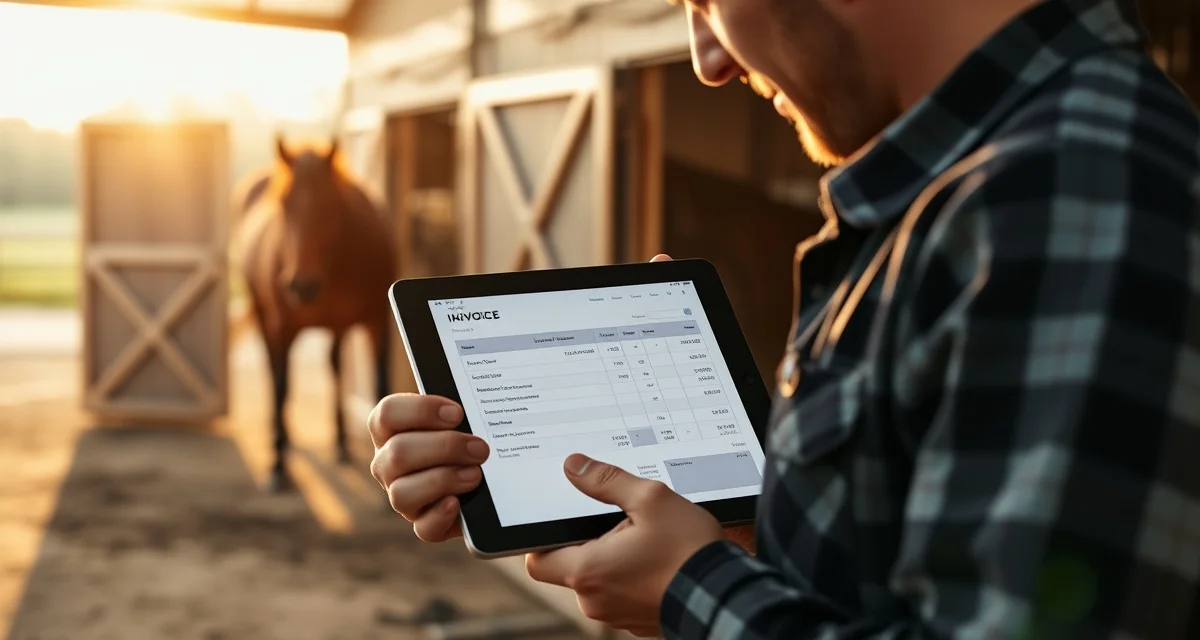
Farrier Invoice Template Generator: Create Custom Bills Instantly
Horse owners who receive itemized invoices pay 18% faster than those receiving lump-sum bills. That's not just about professionalism -- it's a measurable difference in how quickly money shows up in your account. A professional invoice with the horse's name, service breakdown, and a clear total is more credible and more actionable than a handwritten slip or a Venmo request with a dollar amount.
FarrierIQ's invoice template generator creates professional, horse-specific invoices in seconds, with fields built for farrier work rather than adapted from generic billing software.
TL;DR
- Horse owners who receive itemized invoices pay 18% faster than those receiving lump-sum bills -- professional billing format has a direct, measurable effect on payment timing.
- Farriers who invoice same-day collect payment an average of 11 days faster than those who bill later -- the invoice that arrives while the client is still thinking about the visit gets paid faster than one that arrives a week later.
- Farrier invoices need horse-specific fields that generic templates don't have: horse name (essential for multi-horse clients), shoe type and size, service type (hot shoe vs. trim vs. corrective), and hoof condition notes.
- FarrierIQ's generator creates the invoice from the visit record you've already logged -- you're not re-entering data, you're reviewing a pre-populated invoice that takes under 2 minutes to send.
- The invoice status dashboard shows sent, viewed, paid, and overdue -- knowing that an invoice was opened but not paid is actionable information that a paper slip never provides.
- Automatic payment reminders go out for overdue invoices without manual follow-up, and clients can pay via payment link from their phone without calling you.
- A logo isn't required but adds visible professionalism -- new clients who receive a branded, itemized digital invoice immediately perceive you as running a real business, not a side operation.
What Makes a Farrier Invoice Different From a Generic Invoice
A generic invoice -- the kind you'd get from a freelancer or a plumber -- lists service descriptions, quantities, and prices. That works fine for simple transactions. But farrier invoicing has specific information that generic templates don't account for:
- Horse name. Clients with multiple horses need to know which horse each invoice is for. A barn with five horses might get five invoices in a month; horse names are essential.
- Shoe type and size. Itemizing what was put on the horse helps clients understand what they're paying for and creates a paper trail of the specific work.
- Service type. Hot shoe vs. cold shoe vs. barefoot trim vs. corrective work are different services with different prices. Itemizing these shows the client what went into the bill.
- Hoof condition notes summary. Some farriers include brief condition notes on the invoice, which serves as a client communication tool and a lightweight record.
- Next scheduled visit. Adding the date of the next appointment to the invoice keeps it top of mind for both parties.
FarrierIQ's horse-specific invoice fields include shoe type, hoof condition, and trim notes built into every template. These aren't add-ons you have to manually type into a notes field -- they're structured fields that pull from the horse's visit record.
How the Invoice Template Generator Works
Step 1: Complete the visit in FarrierIQ. As you finish a horse, add the service details -- trim type, shoe type and size, any additional services. This takes 2-3 minutes per horse.
Step 2: Tap to generate the invoice. FarrierIQ pulls the horse's information, the services you logged, and the client's billing details into a professional invoice automatically. You don't have to re-enter anything.
Step 3: Review and send. The invoice is ready to send via text or email immediately. The client gets a professional PDF with all the relevant details and a payment link.
Step 4: Collect payment. Clients can pay via the payment link using a credit or debit card, or you can record a cash or check payment in the app. Either way, the invoice status updates automatically.
That's it. The entire process takes under two minutes per invoice, done at the barn before you drive to the next stop.
What Fields Should a Farrier Invoice Include?
A complete farrier invoice should have:
- Your business name, logo (if you have one), and contact information
- Client name and contact information
- Horse name (and barn name if the client has multiple horses at different facilities)
- Service date
- Service description (trim type, shoe type, any additional services like resetting, resets, pads, wedges, therapeutic modifications)
- Shoe size per hoof if applicable
- Line-item pricing for each service
- Subtotal and total
- Payment terms (due on receipt, net 15, etc.)
- Payment methods accepted
- A payment link or QR code if you accept card payments
- Invoice number for your records
FarrierIQ's templates include all of these automatically. You're not building the template from scratch each time -- you're generating a populated invoice from the visit record you already created.
Emailing Invoices From Your Phone at the Barn
Sending an invoice from your phone at the barn isn't just about speed -- it's about what happens to payment timing when you do it. Farriers who invoice same-day collect payment an average of 11 days faster than those who don't.
When you hand over a paper slip, the owner pockets it and it may or may not make it to their desk. When they receive a digital invoice with a payment link while you're still at the barn, they can pay on the spot. Or they pay that evening. Either way, the payment timeline collapses from "whenever they get around to it" to "within the next 24 hours."
FarrierIQ's mobile invoicing lets you send via text or email from your phone. See the farrier invoicing app guide for a full comparison of mobile vs. desktop invoicing workflows for working farriers.
Making Your Invoices Look Professional Without Design Skills
You don't need to be a graphic designer to send a professional invoice. FarrierIQ's templates are pre-designed with a clean, readable layout that looks professional on any device. Your business name appears at the top, the itemized services are clearly organized, and the total and payment information are prominent.
If you have a business logo, you can upload it to your FarrierIQ account and it will appear on every invoice automatically. A logo isn't required, but it adds a level of polish that clients notice.
The difference between a professional digital invoice and a handwritten paper slip is immediate and visible. New clients in particular respond well to professional billing -- it signals that you run a real business, not a side operation.
Tracking Invoice Status
One of the advantages of digital invoicing over paper is that you can see exactly what's been paid and what's outstanding. FarrierIQ's invoicing dashboard shows:
- Invoices sent and awaiting payment
- Invoices viewed (client opened the link)
- Invoices paid, with date and payment method
- Invoices overdue, with days past due
When an invoice has been opened but not paid, that's useful information. It means the client received it and read it. A brief follow-up is appropriate. When an invoice hasn't even been opened, you might need to check that the email address or phone number is correct.
Automatic payment reminders can go out for overdue invoices without requiring you to manually follow up. For the farrier invoice templates page, there's more on the structure and content of professional farrier invoices.
Frequently Asked Questions
How do I make a professional farrier invoice?
The fastest approach is to use software that generates invoices directly from your visit records. FarrierIQ's invoice template generator pulls the horse's name, services performed, shoe type and size, and client billing information from the appointment you've already logged, and generates a professional PDF invoice in seconds. You can send it via text or email directly from the app without any additional setup. If you prefer a standalone template, FarrierIQ also offers downloadable invoice templates with horse-specific fields pre-formatted.
What fields should a farrier invoice include?
A farrier invoice should include your business name and contact information, the client's name and contact, the horse's name, the service date, an itemized list of services performed (trim type, shoe type and size, additional services), line-item pricing, a total, payment terms, and payment instructions. Horse-specific fields like shoe type, hoof size, and service notes are more informative than generic service descriptions and help clients understand exactly what they're paying for.
Can I email a farrier invoice from my phone?
Yes. FarrierIQ's mobile invoicing allows you to generate and send a professional invoice from your phone at the barn immediately after completing a visit. The invoice is sent as a PDF attachment or a payment link via text or email, whichever the client prefers. Sending the invoice before you leave the farm dramatically reduces the time to payment -- farriers who invoice same-day collect an average of 11 days faster than those who bill later.
What should you do when a client opens an invoice but doesn't pay?
An invoice that was opened but not paid is a signal worth acting on -- the client saw it, which means the delay is intentional or a decision is being deferred. A short, direct follow-up within 3-5 days of the due date is appropriate: "Just following up on the invoice for [horse name] from [date] -- let me know if you have any questions or if there's an issue." Most delayed payments resolve with a single follow-up. If a client has multiple open invoices and a pattern of slow payment, that's a relationship management question -- see whether a conversation about payment expectations and a due-on-receipt term going forward makes sense. FarrierIQ's overdue invoice dashboard makes it easy to spot these patterns before they accumulate.
How detailed should service descriptions be on a farrier invoice?
Specific enough to be unambiguous if referenced months later. "New fronts, size 2, steel, wedge pad" is better than "front shoes." "Corrective trim with toe roll, right front medial support modification" is better than "corrective work." The detail matters for two reasons: it helps the client understand what they paid for, and it creates a record you can reference if there's ever a billing dispute or a clinical question about what was done at that visit. FarrierIQ's structured service fields encourage the right level of specificity because you're selecting from a service list and adding details, rather than typing a free-form description where it's easy to be vague.
Related Articles
- Farrier Client Reminder Generator: Automate Appointment Texts and Emails
- Vet Coordination for Farriers: Share Horse Records Instantly
Sources
- American Farrier's Association (AFA), professional billing standards and invoice documentation guidance
- American Farriers Journal, farrier invoicing practices and payment collection data
- Professional Farrier Magazine, digital billing adoption and payment timing case studies
- Small Business Administration (SBA), professional invoicing best practices for self-employed service providers
Get Started with FarrierIQ
Professional invoices sent from the job site before you leave the property are the fastest way to shorten your payment cycle and improve client perception simultaneously. FarrierIQ's invoice template generator creates horse-specific, itemized invoices from your visit records in under 2 minutes. Try FarrierIQ free and send your first same-day invoice on your next visit -- the 11-day improvement in payment timing is typically visible within the first billing cycle.